Support for RTL and CJK in Readium Web
We are pleased to announce the support for Right-to-Left and CJK (Chinese, Japanese, Korean) scripts in Readium Web!
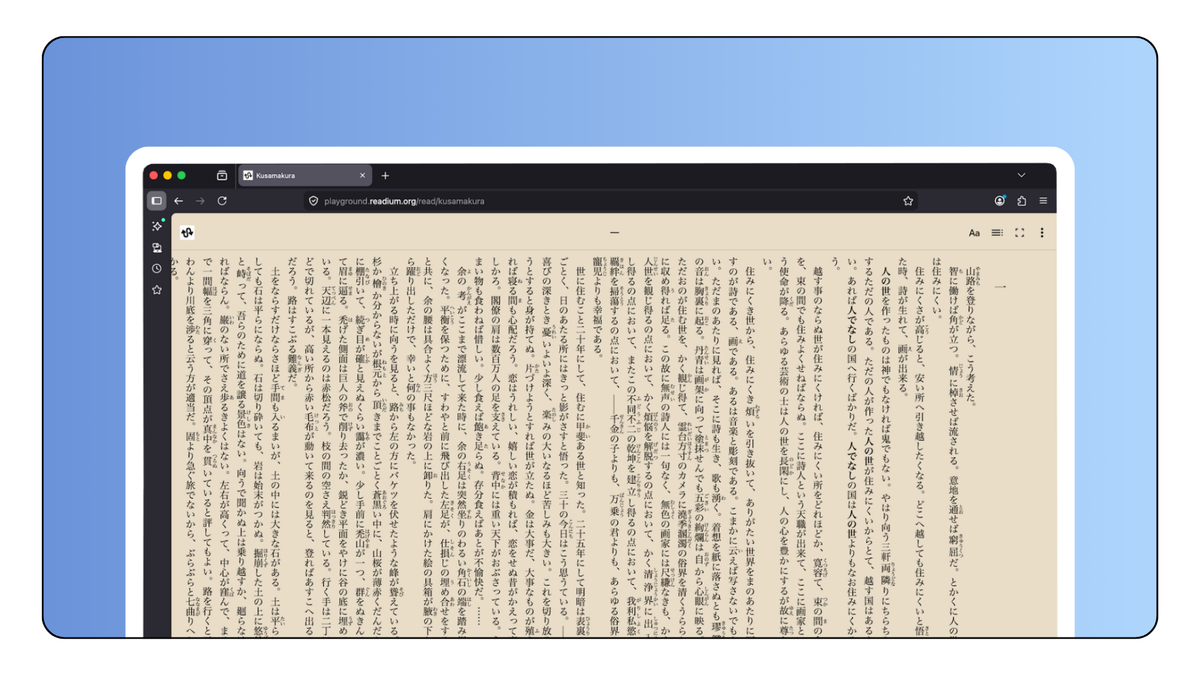
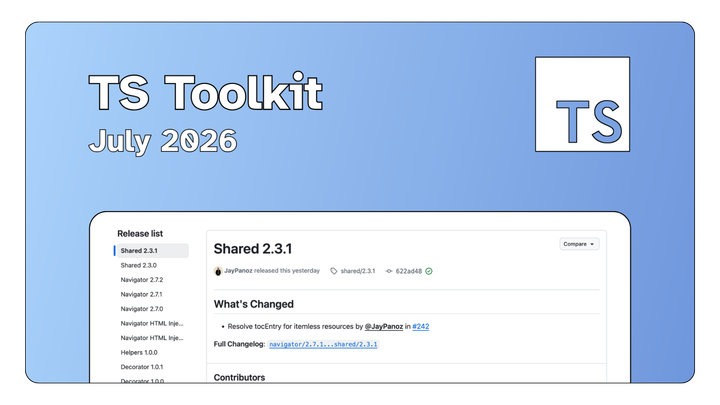
This new feature was made possible thanks to the Injection API we introduced in Navigator back in February, and some additional work to support these scripts and writing modes in TS-Toolkit.
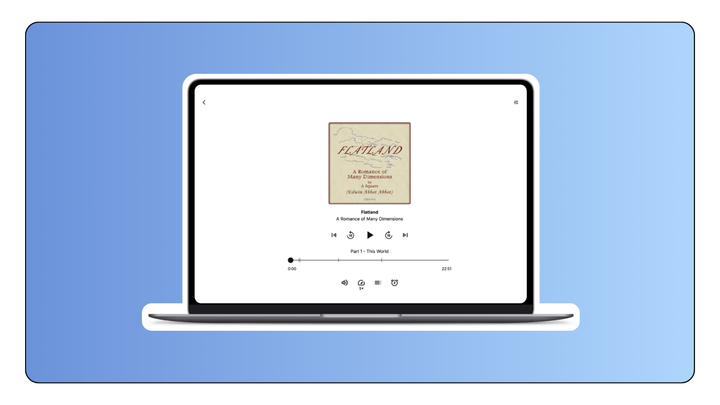
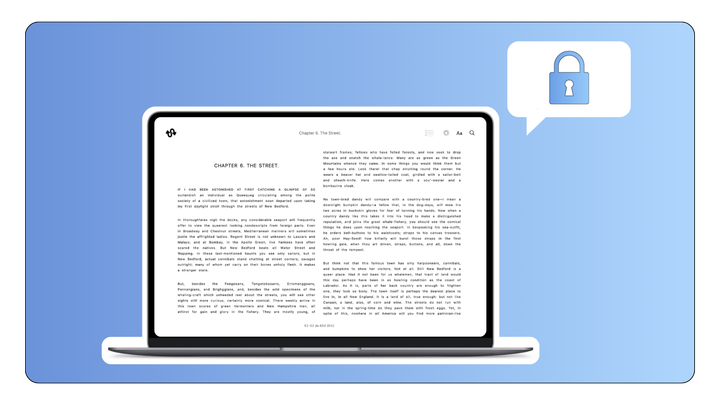
Thorium Web Reader now supports these scripts out of the box, and some publications are available on Readium Playground if you want to test our implementation.
Browse the full releases on Github
Overview
We already had most of the pieces in place to support these languages, but we needed to fill some gaps in TS-Toolkit to fully support RTL and CJK scripts.
Here's what we did:
- Thanks to the Injection API, we could inject the proper Readium CSS variant for each script and writing mode
- We also made sure to add the
dirandlangattributes to documents in case they were missing - We updated the Navigators’ snappers to handle RTL progression properly
- We created a new snapper for vertical writing mode
- We double-checked that our existing code was handling these scripts and writing modes correctly
- We then implemented the necessary changes in Thorium Web Reader to make use of these new features
Please note vertical writing mode support is currently limited to scroll. Do not hesitate to reach out if you’d like to help us implement pagination as well.
The logic is following Readium CSS rules for handling these scripts and writing modes, and a helper function was created so that you can retrieve the value used by the Navigator in your own application, and adjust the UI accordingly.
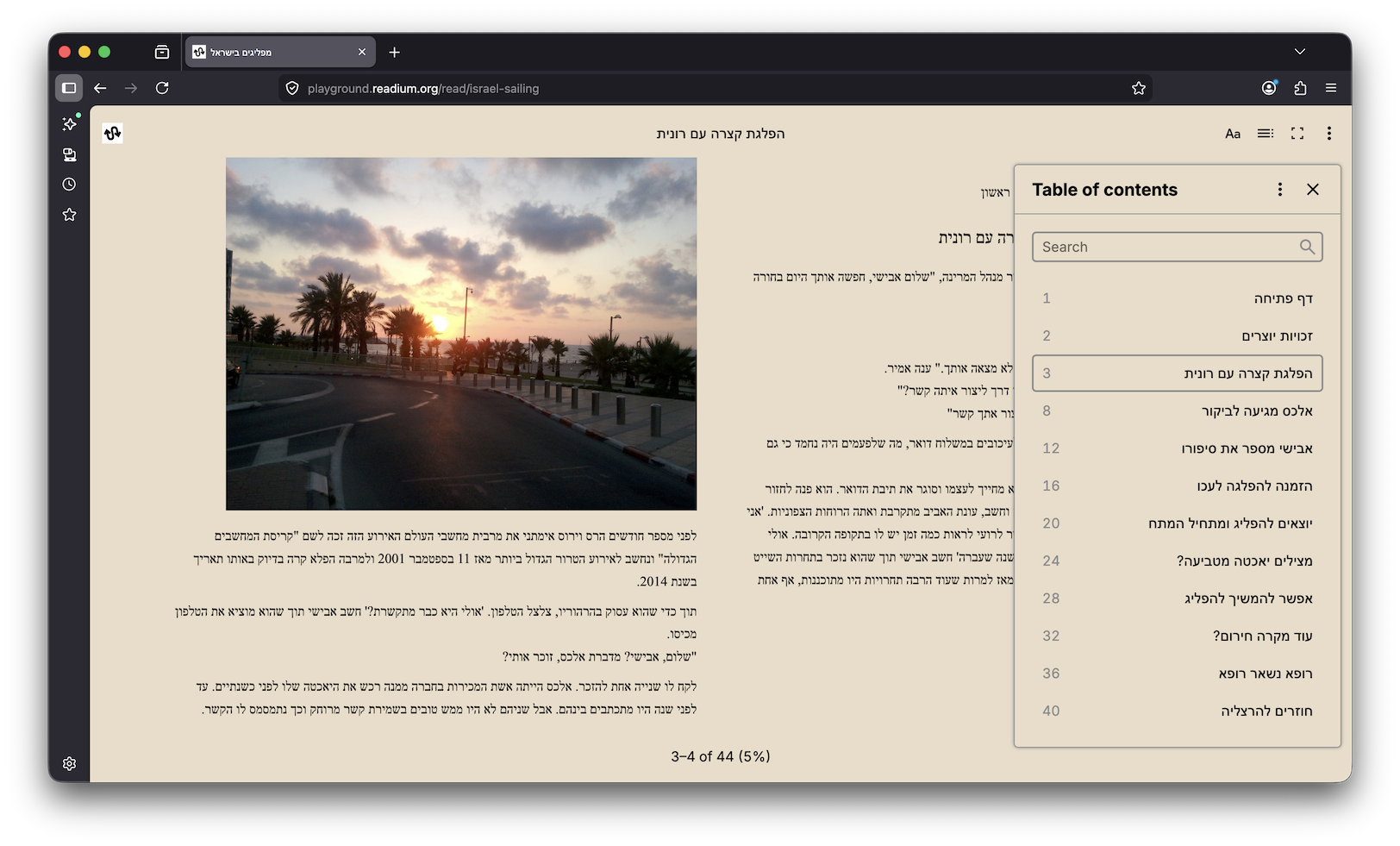
Thorium Web Reader
RTL and CJK support have been a concern since day one, which is why it could be implemented quickly once the missing pieces were in place. We could therefore focus on making Thorium Web do the heavy lifting and let the Reader components automatically adapt to the language and writing mode derived from the publication.
This means:
- navigation affordances are automatically flipped for RTL languages (arrows in pagination, next/previous links in scroll…)
- the table of contents is rendered in the direction of the publication
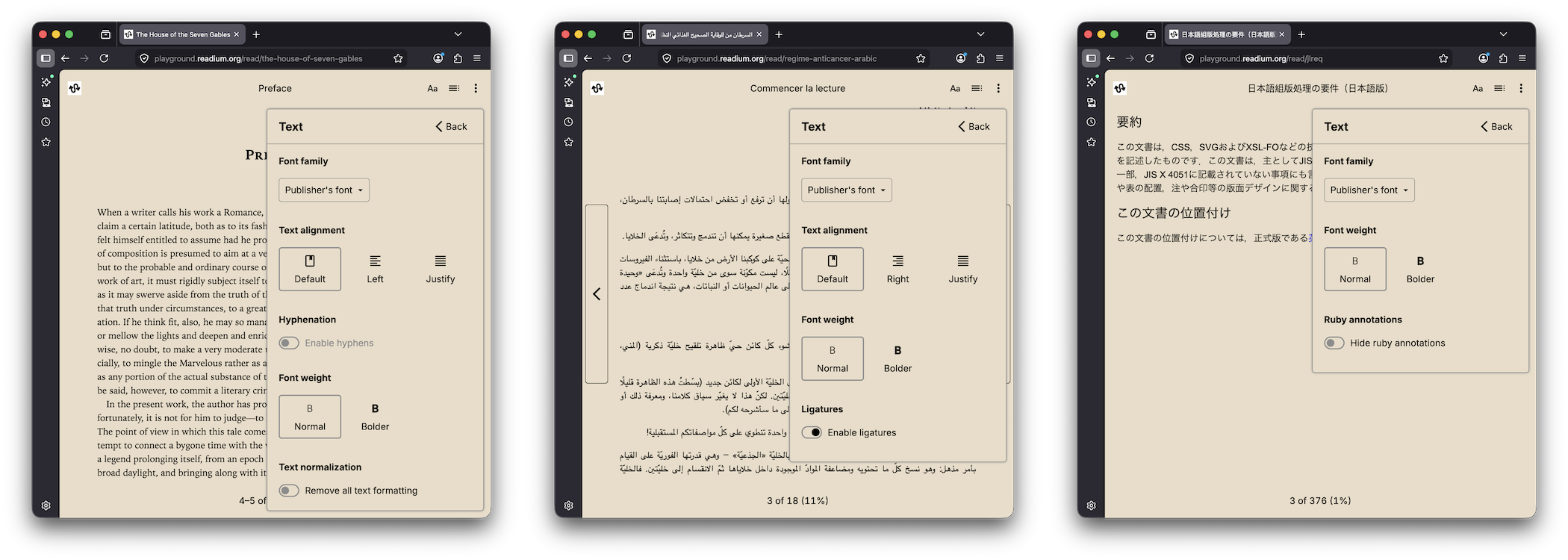
- settings are filtered based on the script of the publication
- text alignment is adjusted automatically i.e. left option becomes right
- we added font collections for RTL and CJK scripts in default preferences so that the font-family setting’s selection is based on the publication
All done automatically! There is nothing to configure on your side.
Please note that we are not native speakers in any of these languages, so if you notice any issues with the implementation, please let us know! We will be very attentive to your feedback and inputs to improve the experience for all users.
Technical updates and breaking changes
- Thorium Web is now aligned with React Aria’s i18n utilities and derives the directionality from the
localepreference, or the browser's language if not set. It is no longer possible to manually set the directionality - There are consequently some breaking changes in Thorium Web’s preferences system. Please refer to the migration guide for 1.4.0 for more information
- Thorium Web package provides new hooks and helpers to build or update your custom components with proper RTL and CJK support
- We fixed a bug with viewport helpers
canGoForwardandcanGoBackwardin Fixed Layout when displayed as a single page
All these new packages are available on npm: