
Audiobooks support in Readium Web
We are pleased to announce the support for audiobooks in Readium Web. This support is built on top of a new Audio Navigator in TS-Toolkit, which provides everything you need to build an audiobook reader.
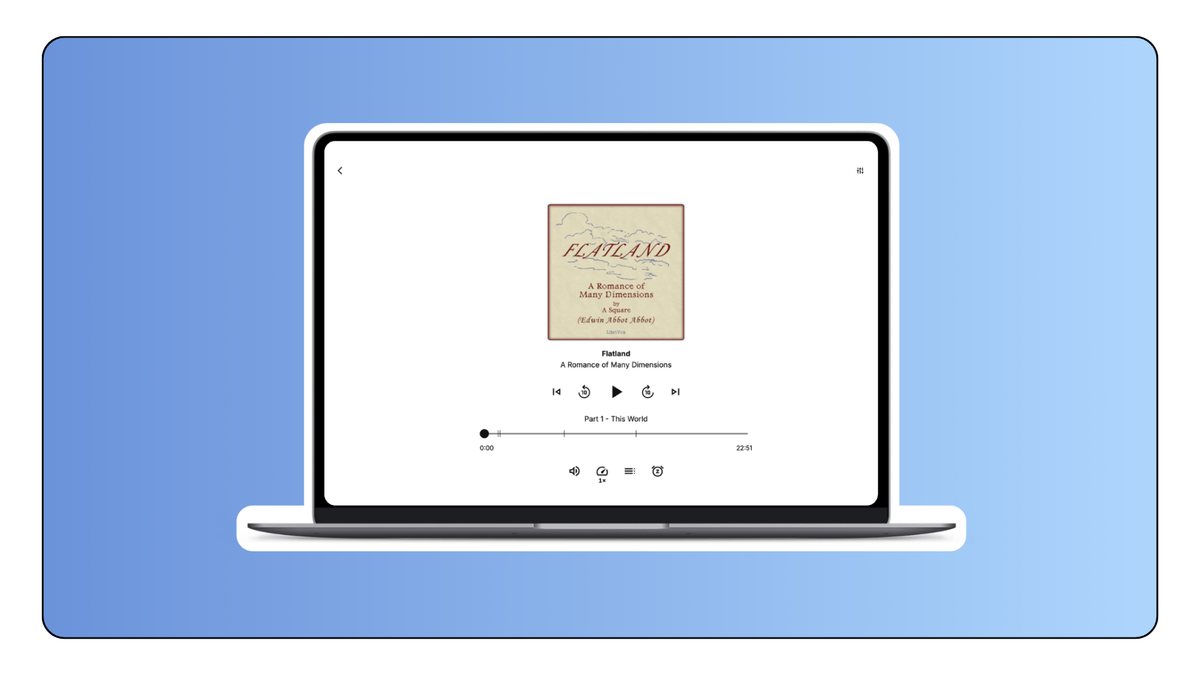
Thorium Web has been updated to use this new navigator, and you can now enjoy audiobooks in the Readium Playground.
Browse the full release on Github
Overview
The Audio Navigator has been designed to provide a comprehensive set of features for audiobook playback, including navigation and controls, preferences (speed, volume, etc.), remote playback/casting and Media Sessions, and more. It also introduces the concept of “Timeline”, a future API we will use across all navigators to help contextualise resources, the table of contents, the progression bar, buttons to previous and next, etc.
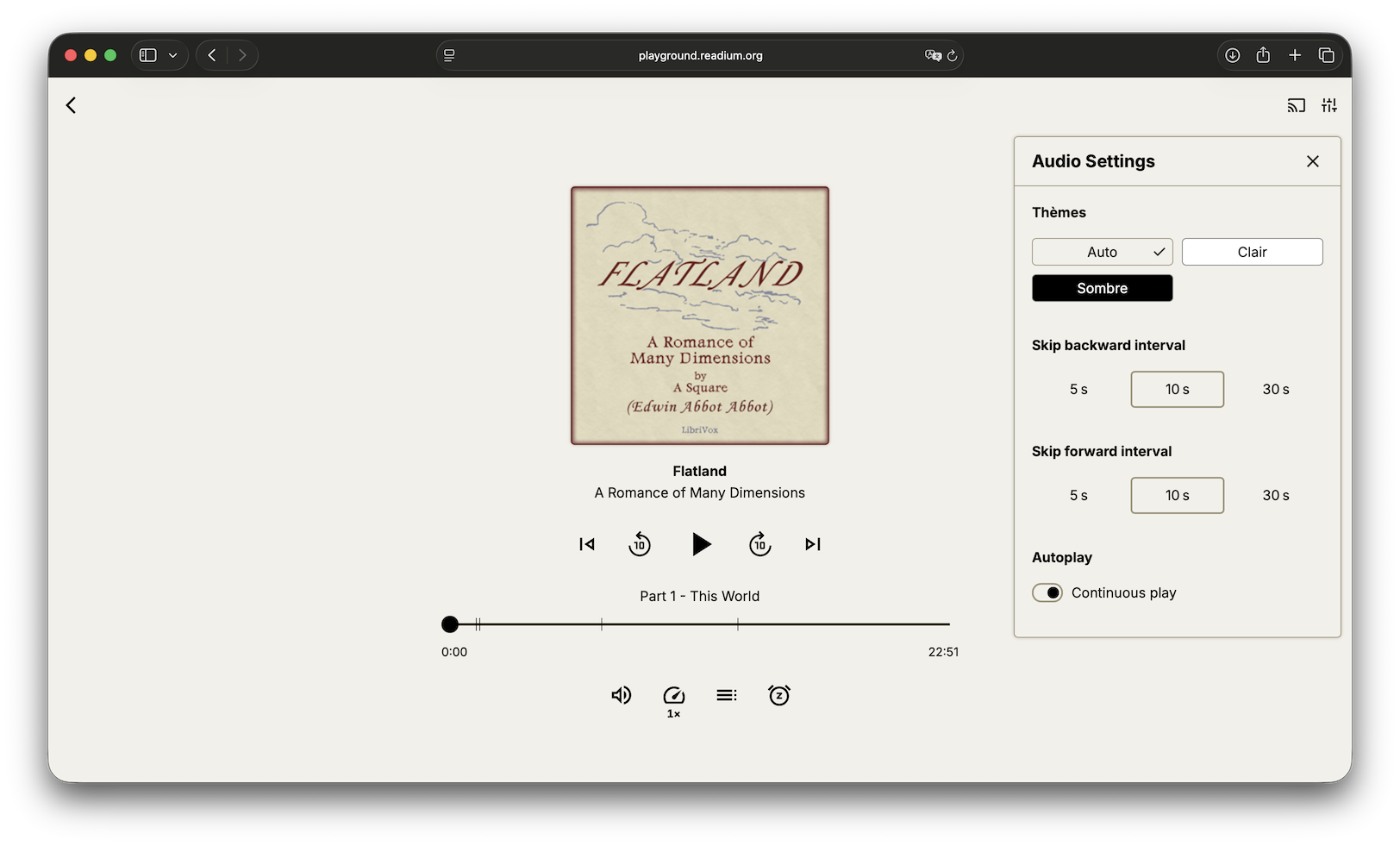
Thorium Web is leveraging this new navigator to provide a complete audiobook reading experience, in which you can customise skip intervals, adjust playback speed, enable continuous playback, connect to remote devices, and more. And of course developers can customise the interface to fit their needs.
Audio Navigator
The audio navigator follows the same API patterns as existing navigators, with listeners and methods adapted for audio playback. It also integrates with the Preference, Keyboard Peripherals, and Content Protection APIs to make it consistent and familiar to developers.
This navigator should do the heavy lifting for you, and surface significant events and state changes so you can build a custom interface around it. It will also preload resources to ensure they are ready when needed, update the media session metadata, and serve as a bridge between remote playback devices and your local player.
It helped us build a complete audiobook reader in Thorium Web from scratch, and we’ll be very attentive to your feedback and inputs to improve it.
Thorium Web
Thorium Web has been undergoing fundamental changes to support audiobooks, as this represents a significant shift in how we handle different content types. The Next.JS application has been refactored to support multiple profiles, and pick the right Reader or Player component. We have also significantly improved the Reader and Player components to make them handle less complexity and be more maintainable. This was done in version 1.2.0, whose migration guide is available here.
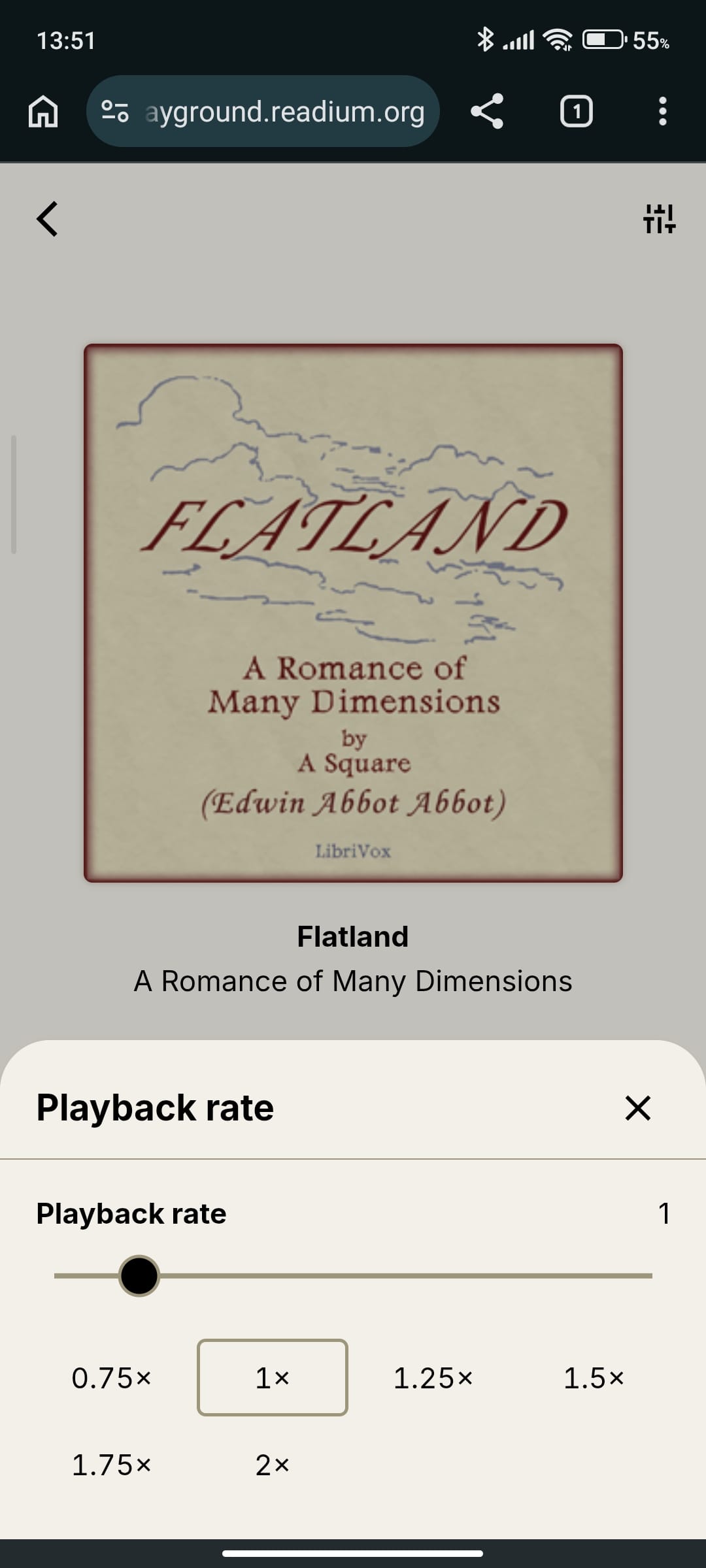
Audiobook Player is shipping in version 1.3.1, and brings a new audio-specific components. In addition to the Player UI, its controls and progress bar, new actions such as Volume, Playback Rate, SleepTimer, are built-in and ready to use. And settings for skip intervals, or continuous playback, are also available.
As for themes, auto can now either switch between light and dark modes based on your system preferences, or derive a theme from the dominant color of the cover of the audiobook.
App Preferences have been updated to support audiobook-specific customisations, such as the order of elements in the UI, the actions to display in the main UI and the top corner, the settings to display, etc.
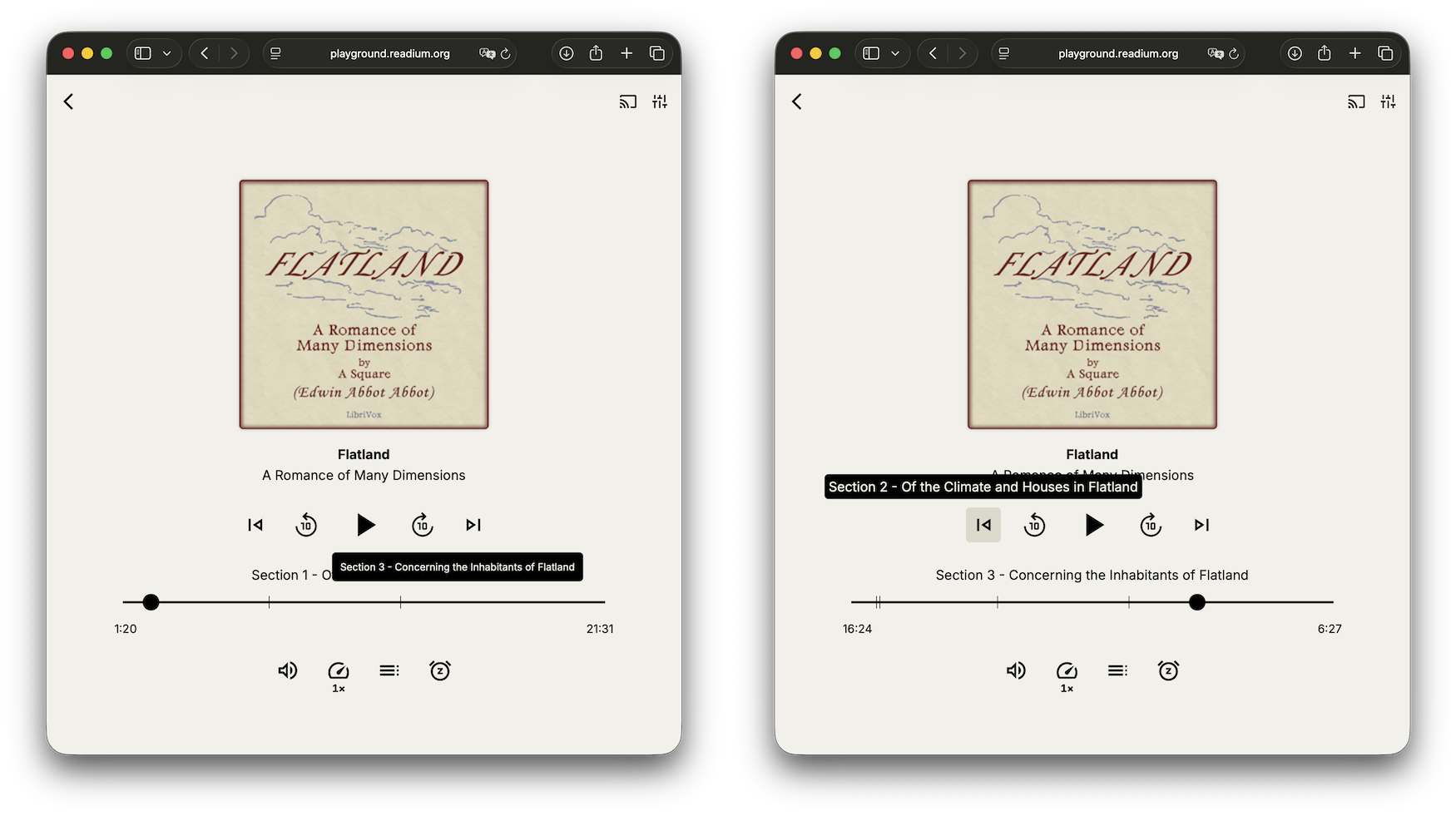
Thanks to the (in-progress) timeline in Audio Navigator, we have been able to provide a more accurate and consistent navigation across all audiobooks, with a contextualised progress bar showing the title of the fragment you are hovering over, and more intuitive previous/next buttons. Expect this type of contextualisation to be extended to other navigators in the near future.
Note migration guides are available for Thorium Web users who want to upgrade to version 1.3.1: Migration Guide.
Technical updates and breaking changes
- We added a new helper to get the cover image from a publication in
@readium/shared. - Timeline is a work in progress, and will change in the future, as we implement it in other navigators and toolkits.
- The three latest versions of Thorium Web introduced some breaking changes to the consumers of the NPM package. Notably, the preference provider was refactored to support multiple profiles and consequently needs to be moved after the publication profile is known.
- We introduced new sheet types, compact popover (audio-specific) and modal (generic) that you can now use to display the content of actions.
- Thorium Web’s player UI will switch to an expanded layout when the window is not tall enough to display the full player. This is not customisable per breakpoint at the moment, it is done automatically.
All these new packages are available on NPM: