
Release Note · Swift Toolkit Version 4.0.0-alpha.2
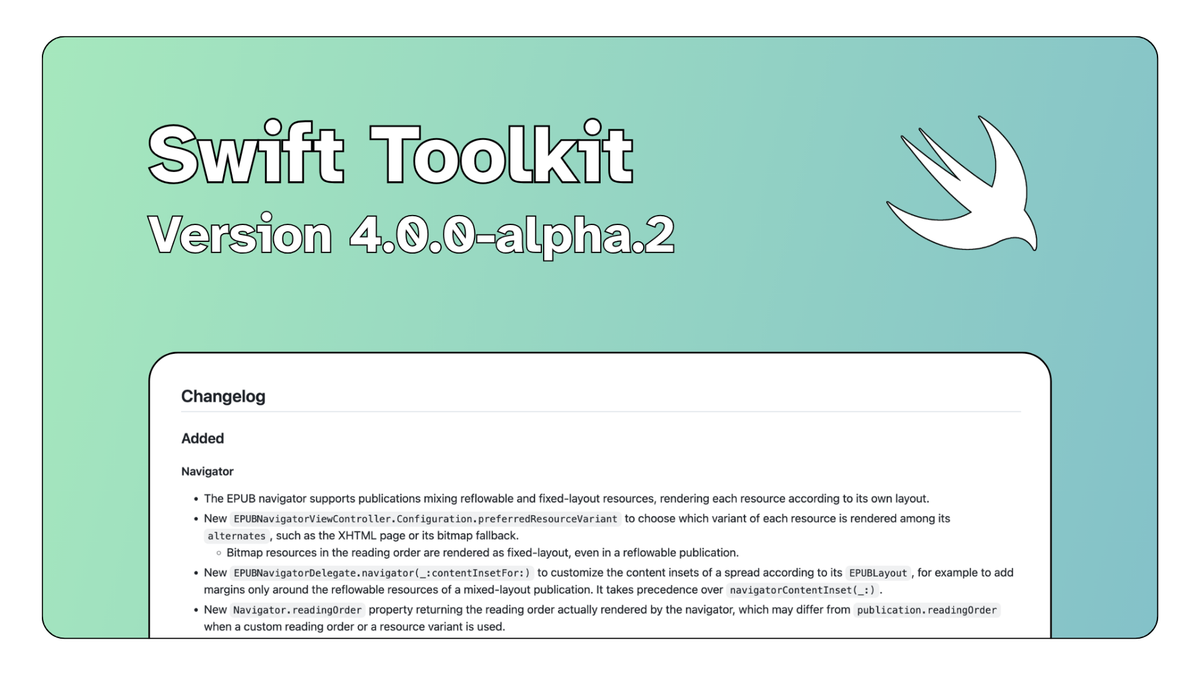
We are happy to announce the second alpha of the Readium Swift Toolkit 4.0. This pre-release brings support for EPUBs mixing reflowable text with full-bleed, fixed-layout pages, makes opening and streaming LCP publications much faster, and fixes a number of long-standing issues.
Browse the full release on GitHub
This is a pre-release of the next major version of the toolkit, which is now built on Swift 6 with strict concurrency checking. The API may still change before the final release, so we don't recommend shipping it to production yet. We would love for you to try it in your apps and share your feedback, and please report any issues on GitHub. Take a look at the migration guide for help upgrading from 3.x.
Full-bleed illustrations in reflowable EPUBs
Some reflowable EPUBs include fixed-layout pages in the middle of the text. This is very common in Japanese light novels, which often interleave chapters of prose with illustrated, full-bleed pages. Until now, the EPUB navigator rendered the whole publication with a single layout, so these illustrations were squeezed into the reflowable pagination with margins and text columns applied to them.
The EPUB navigator now supports publications mixing reflowable and fixed-layout resources, and renders each resource according to its own layout. Text chapters paginate with the user's preferences as usual, while illustrated pages are displayed edge to edge with zoom capabilities, just like in a fixed-layout EPUB.
A few additions make it easier to polish this experience in your app:
- Per-layout content insets: The new
EPUBNavigatorDelegate.navigator(_:contentInsetFor:)lets you customize the content insets of a spread according to itsEPUBLayout. For example, you can keep margins around the reflowable text while letting the illustrations use the full screen. It takes precedence overnavigatorContentInset(_:). - Centered single pages: When spreads are enabled, a fixed-layout page displayed on its own is now centered, unless the publication provides an explicit page position (e.g.
page-spread-left). It was previously displayed on the left or right half of the viewport. - Rendered reading order: The new
Navigator.readingOrderproperty returns the reading order actually rendered by the navigator, which may differ frompublication.readingOrder.
Choosing between XHTML pages and their bitmap fallbacks
Many of these publications also ship some pages as bitmap images, sometimes as a fallback of an XHTML page. The new EPUBNavigatorViewController.Configuration.preferredResourceVariant setting lets you choose which variant of each resource the navigator renders among its alternates:
.defaultrenders the reading order as authored..htmlprefers the XHTML page, when available..imageprefers the bitmap fallback, when available.
Bitmap resources found in the reading order are always rendered as fixed-layout, even in a reflowable publication. This gives you control over how to best render reflowable books that sometimes contain full-page images.
Faster and more robust LCP
This release removes several sources of waiting when working with LCP-protected publications.
- No more CRL delay: Opening an LCP publication is no longer delayed by the Certificate Revocation List (CRL) used to validate its license. The CRL is now downloaded when creating the
LCPService, and an expired one is refreshed in the background. - Captive portals: Networks with a captive portal, such as on a plane, could return their login page instead of the CRL. This page was then cached for seven days, preventing users from opening their LCP publications. The toolkit now verifies that the CRL is a genuine X.509 CRL before caching it, and ignores any invalid CRL cached by a previous version.
- Instant streamed audiobooks: Streamed LCP audiobooks now start playing almost immediately. Resources are now decrypted and served in chunks, instead of being fully downloaded and decrypted upfront.
Breaking changes and fixes
As we get closer to 4.0, this alpha includes a few changes you should be aware of when upgrading.
- Bitmap fallbacks in EPUB spines: EPUB spine items with a bitmap fallback are no longer swapped with their fallback. The spine item stays in the reading order and the bitmap is available in its
alternates. This changes the resources rendered by default and thehrefof the reported locations, although locations saved with the previous version are still restored by the EPUB navigator. To render the bitmaps like before, setpreferredResourceVariant = .imagein your EPUB navigator configuration. - Synchronous locators: Converting a
Linkto aLocatoris now synchronous. Replaceawait publication.locate(link)withpublication.locator(for: link).
This release also fixes several issues:
- HTML
<audio>and<video>elements are now paused when their resource moves off-screen in the EPUB navigator, instead of playing in the background. - In the paginated EPUB navigator, swiping horizontally over the top and bottom margins of a reflowable resource now turns the page, instead of skipping to the previous or next resource.
- When an EPUB declares the same metadata with both an EPUB 2 and an EPUB 3 tag, the EPUB 3 value now takes precedence.
- Fixed a crash in
ContentSearchServicewhen searching publications containing combining characters, such as diacritical marks. - Fixed the PDF navigator's content being inset by the surrounding safe area on iOS 27.