
Release Note · Kotlin Toolkit Version 3.4.0
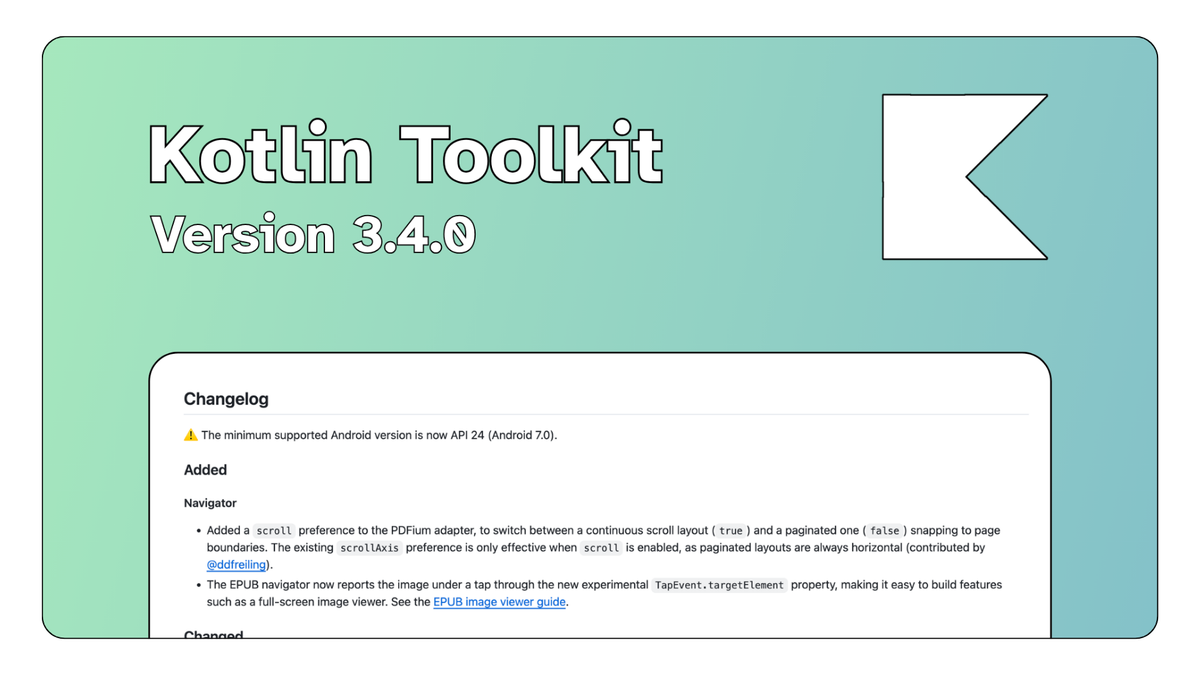
We are happy to announce the release of the Readium Kotlin Toolkit 3.4.0. This version brings some improvements with the PDFium adapter, the CRL fetch for LCP protected publications, and gives the EPUB navigator a way to tell you what images the user tapped on.
Browse the full release on GitHub
A better PDF reading experience
The PDFium adapter now supports both layouts your users expect from a PDF reader. A new scroll preference switches between a continuous scroll layout (true) and a paginated one (false) that snaps to page boundaries. The existing scrollAxis preference only applies when scroll is enabled. Thanks to @ddfreiling for contributing this.
With paginated layouts available, the adapter now defaults to a horizontal paginated presentation instead of a vertical continuous scroll. If your app relies on the previous layout, set PdfiumDefaults(scroll = true).
This release also fixes a long-standing position reporting bug in the PDFium adapter, thanks to @huttarl. The currentLocator's position was consistently one page ahead of the page actually on screen. Page positions are now accurate.
Because those positions were wrong, Locator objects created by the PDFium adapter and persisted in your database must be migrated. See the migration guide for the details on how to use the new Publication.migrateLegacyPdfiumLocator() helper.
Faster and more reliable LCP
Opening an LCP publication is no longer delayed by the certificate revocation list (CRL) used to validate the license. The CRL is now fetched when you create the LcpService, and an expired one is refreshed in the background instead of making the user wait for the network response before the book opens.
We also fixed a failure mode reported in #832. Networks behind a captive portal, on a plane for example, happily return their login page with a 200 OK status. The toolkit took that HTML page for a CRL and cached it for seven days, after which no LCP publication could be opened until the cache expired. The response is now checked to be a genuine X.509 CRL before being cached, and an invalid CRL cached by a previous version is ignored instead of waiting it out.
Knowing what the user tapped
The EPUB navigator now reports the image under a tap through the new experimental TapEvent.targetElement property. This makes it straightforward to build features that need to react to the content itself rather than to screen coordinates, the most common one being a full-screen image viewer that opens when the reader taps an illustration. A dedicated guide in the repository walks through a complete implementation.
Technical updates and breaking changes
A few changes require attention before you upgrade.
- Minimum Android version: the toolkit now requires API 24 (Android 7.0).
- PDFium layout default: the adapter defaults to a horizontal paginated layout. Set
PdfiumDefaults(scroll = true)to restore the previous continuous scroll behavior. - PDFium locators: persisted
Locatorobjects created by the PDFium adapter hold positions that are one page too high and must be migrated withPublication.migrateLegacyPdfiumLocator().
Take a look at the migration guide for step-by-step instructions.
Other fixes
EPUB HREFs that are not percent-encoded but carry a fragment or a query, such as chapter one.xhtml#section with a space in the filename, now keep their #fragment and ?query instead of encoding the separators into the path. This fixes table of contents and Media Overlays links failing to resolve and navigate in poorly-authored EPUBs.