
Release Note · Swift Toolkit Version 3.6.0
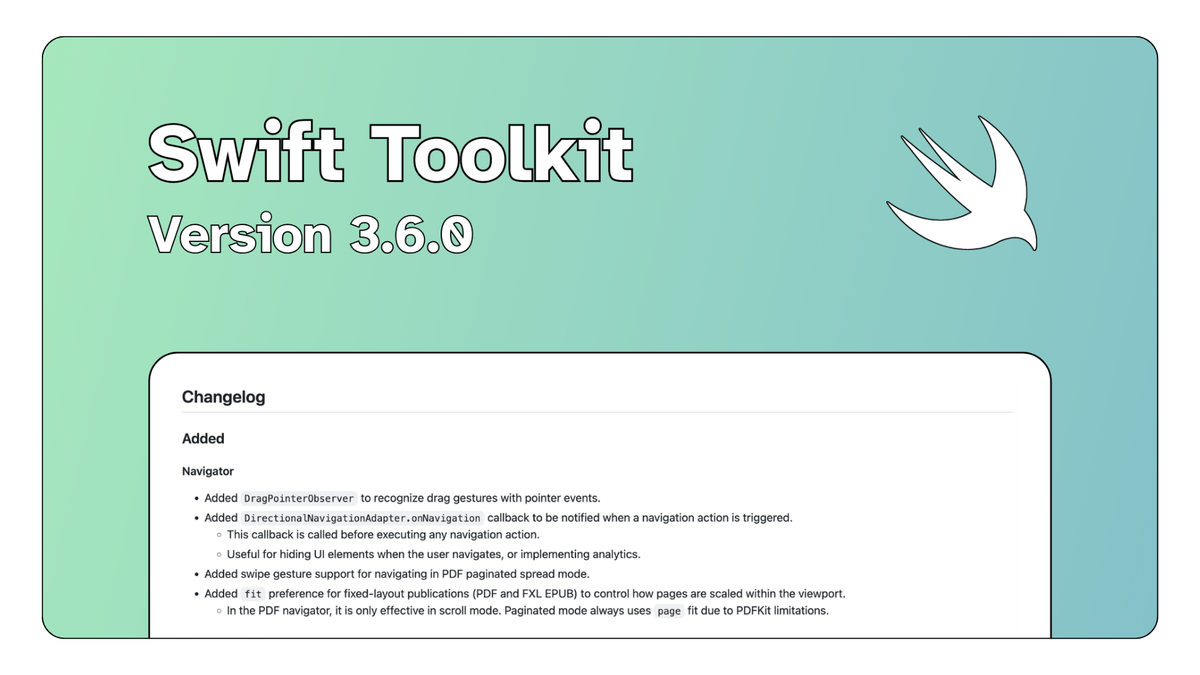
We are happy to announce the release of the 3.6.0 version of the Swift toolkit. This new version focuses on refining the user experience for fixed-layout publications.
Browse the full release on GitHub
A new preference for layout control in PDF and fixed-layout EPUB
The first important elements that was added in this latest version is a new fit preference that allows developers to control how pages from PDF files and fixed-layout EPUB are scaled and displayed within the viewport. Please note that in the PDF navigator, the new preference is only effective in scroll mode. Paginated mode always uses page fit due to PDFKit limitations.
This addition implies some key changes to the previous version of the toolkit. For example, the Fit enumerations has been redesigned to fit the PDF implementation. To avoid problems, please make sure to update any code using the old enumeration values.
Several bugs regarding layout have been fixed in this new version. However, please note that PDFNavigatorViewController.scalesDocumentToFit is now deprecated and non-functional. From now on, the navigator always scales the document to fit the viewport.
Improved navigation and tracking in PDF files
This version comes with new support for swipe gestures for PDF files in paginated spread mode. This addition is made possible with DragPointerObserver , which helps recognize drag gestures with pointer events.
Moreover, the DirectionalNavigationAdapter.onNavigation callback helps tracking events, which is useful for hiding UI elements when the user navigates, or implementing analytics.
Changes made to the content inset behavior of fixed-layout navigators
The 3.6.0 version comes with two key changes in fixed layout navigators' content inset behaviour (PDF and fixed-layout EPUB) :
- In iPhone: the Swift toolkits continues to apply window safe area insets (to account for notch/Dynamic Island).
- In iPad and macOS: it nww displays edge-to-edge with no automatic safe area insets. This means PDF files and fixed-layout EPUB will now use the full screen by default.
Please note that you can customize this behavior with VisualNavigatorDelegate.navigatorContentInset(_:)!
New developer hooks for more customization
In addition to the aforementioned onNavigation callback, this version comes with new support for asynchronous callbacks with onCreatePublication.
Many thanks to Mickaël Menu, Shane Friedman and all our contributors for making this release possible!