

Release Note · Readium CSS 2.0
We are pleased to announce the release of a stable version 2.0.0 of Readium CSS, the library of styles that enables the EPUB reading experience in Readium toolkits and Thorium applications.
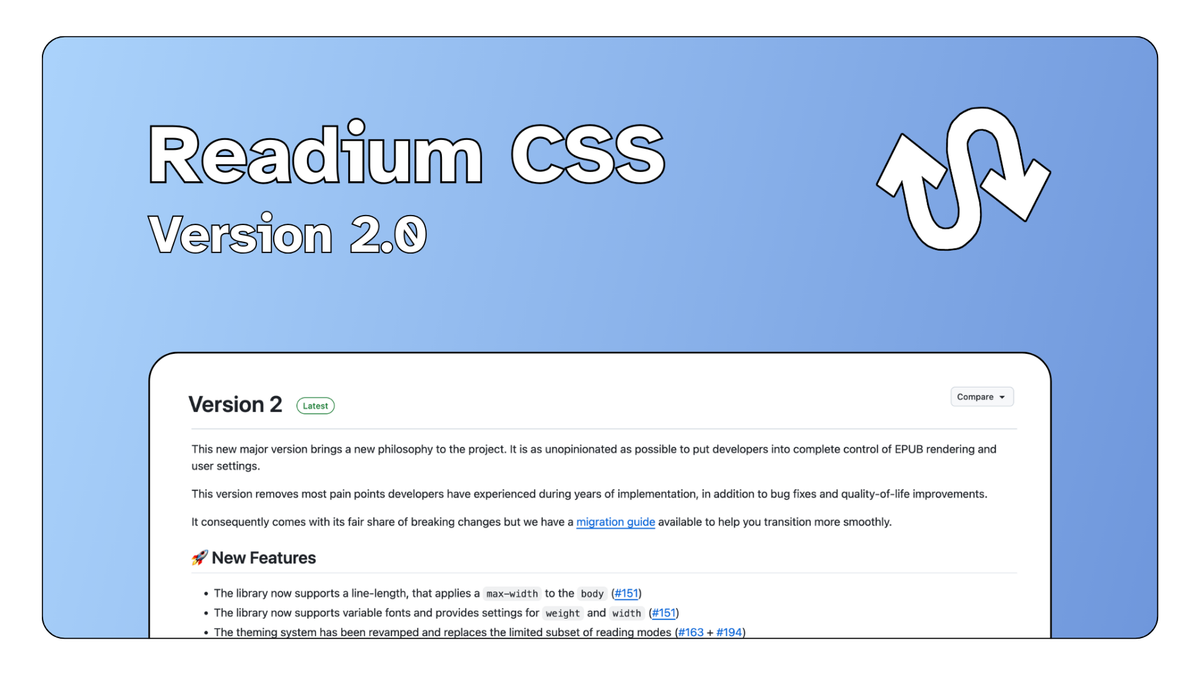
Readium CSS already ships in TS-Toolkit and has been heavily used in Thorium Web.
Browse the full changelog on Github and don't forget to check the docs.
A New Philosophy
In version 1, Readium CSS was oftentimes trying to be too smart, and would end up catching developers by surprise. In other words, the library was getting in their way, and they sometimes had to fight it to get what they wanted.
Version 2 is here to change that. We want to make it easier for developers to use Readium CSS, and to make it more predictable. This is why we decided to make it as unopinionated as possible.
Take pagination for example. In version 1, Readium CSS would try to automatically switch between a single page and a spread layout depending on the screen size and the font-size. In version 2, developers are in complete control of the pagination, they can set the line-length they want, and apply the number of columns they consider most appropriate for their use case.
We already have a working implementation you can test in Readium Playground. You can experiment with it, and see how we decided to base our pagination on an optimal line-length for the current font selected. Setting auto for columns will automatically calculate the number of columns based on the line-length and the space available.
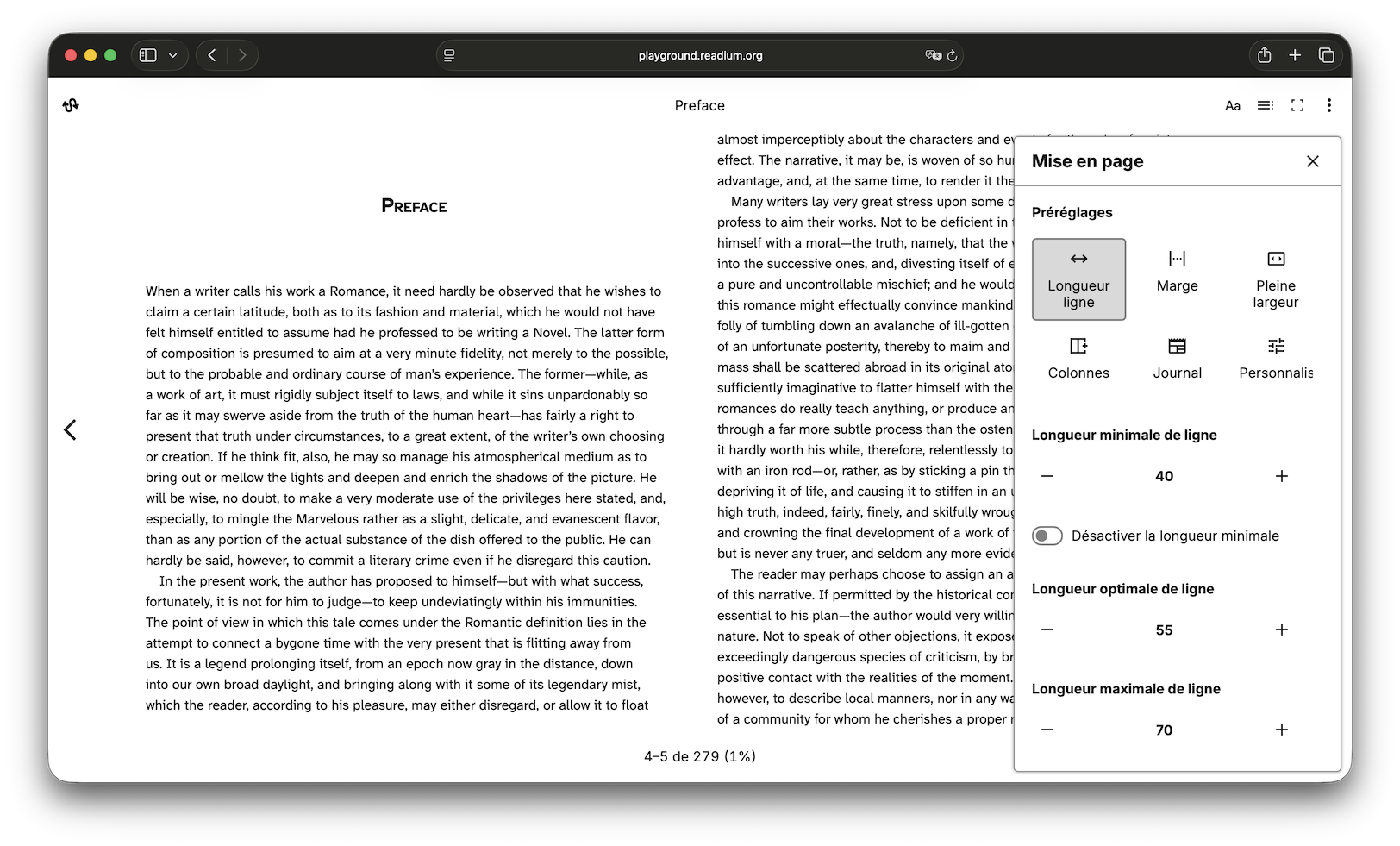
For demonstration purposes, we created presets you can apply through the overflow menu in the top right corner. We hope this will help you understand how things can change depending on a set of minimal, optimal, and maximal line-lengths, and encourage you to experiment with different values.
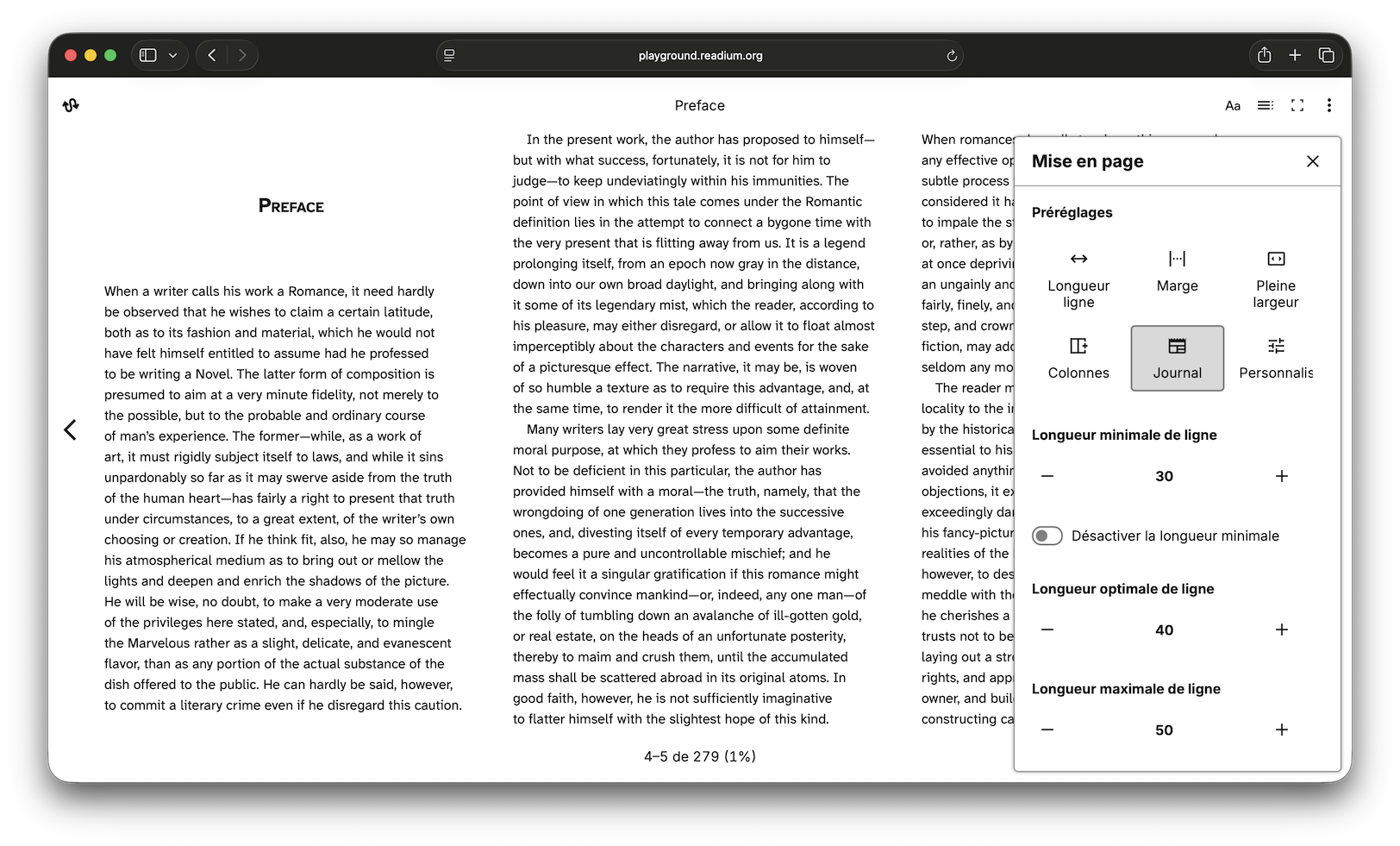
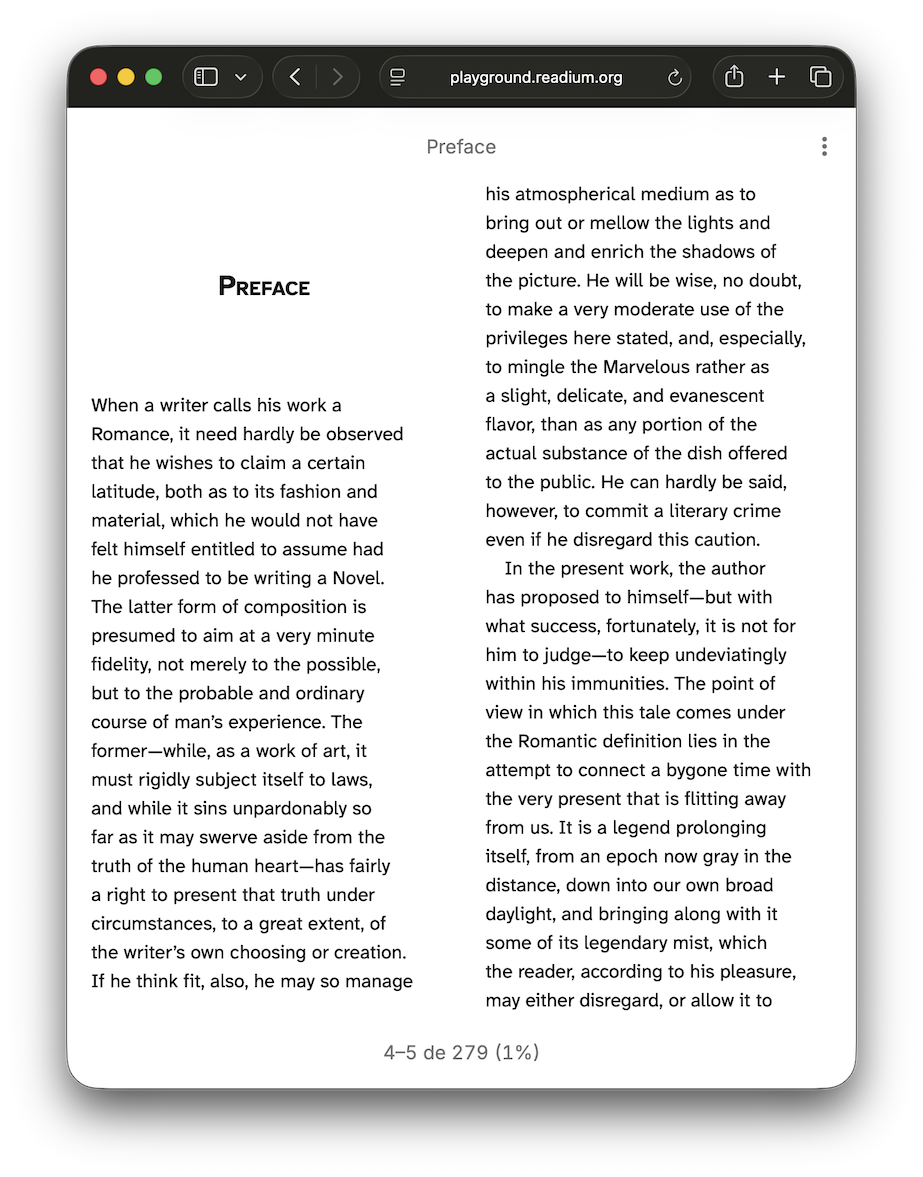
Best part of it? You get this for free in TS-Toolkit Navigator.
If you so choose, you can also enforce an arbitrary number of columns depending on your own heuristics, Readium CSS will not try to override your choice.
Highlights
The removal of responsive pagination is only one of the many changes we made so that Readium CSS is more predictable and easier to use. We have taken years of feedback from developers and users into account, and resolved long-standing issues.
- The font-size user setting has been completely rewritten and now relies on browser
zoom. - Reading modes have been removed in favor of a theming system that allows developers to set a background, text and link color, image filters, etc.
- Page margins have been replaced with line-length, so that you can have complete control over the whitespace around your content.
- New properties allow you to add padding in the scroll view, so that you can handle safe-inset areas or make sure the content won’t be hidden by your app’s UI.
- We support variable fonts, which means you can now use fonts that have multiple weights and widths.
- We also updated the default font-stacks to cover more platforms and languages, and reworked our selection of recommended fonts.
And of course, it is worth repeating that we removed a lot of friction by simplifying the API, eliminating side effects, and removing unnecessary complexity. The idea is that you set a property and it is applied, no need to set additional flags, or work around Readium CSS’ quirks to get the result you want.
Next Steps
In addition to maintenance updates and improvements, we are working on consolidating Readium CSS stylesheets into a single set.
Historically, Readium CSS has had multiple stylesheets for Right-to-left (RTL) and Left-to-right (LTR) reading directions, as well as writing modes in Chinese, Japanese, and Korean. It was easier to handle them separately, and apply some heuristics in toolkits and/or apps to load the right set for the publication.
Thanks to the advances in CSS, logical properties in particular, it should now be possible to handle all these cases in the same stylesheets with minimal overhead. And we expect it to be our version 2.1.0.
Technical updates and breaking changes
It should not come as a surprise this is a new major version because there are many breaking changes. Thankfully, we have a migration guide available.
We also made sure to provide ways to help you transition in incremental steps:
- The new font-size implementation can be disabled by opting in the deprecated one if you prefer to test the new implementation first.
- We have introduced experimental flags – as browsers do – that can be disabled if you spot any issues with some of the new heuristics for user settings.
- More generally, user settings that required specific flags in version 1 will still work as expected, even if you do not remove the flags in your app.
Breaking changes include:
- Responsive pagination is no longer implemented, you will have to implement it yourself if you want an
autovalue. - Page margins have been replaced with line-length.
- Fonts are no longer distributed with Readium CSS, you will have to provide them and their
@font-facerules yourself. - This means Accessible DfA and iA Writer Duospace are no longer officially supported through user settings.
- Reading modes have been removed, you will need to migrate to the new theming system.
pageGutterno longer applies in scroll, only in paginated mode. You can usescrollPaddingproperties in scroll view instead.- The default line-length is now
100%of the body width, it is no longer limited to40rem.