EAA with Readium: Customizing text and layout in digital publications
Visual accessibility is one of the cornerstones of creating an inclusive digital experience, but it is also a very challenging one to tackle, because it does not have a one-size-fits-all solution.
In past LinkedIn posts about EAA and digital accessibility, we discussed how metadata and DRM can affect accessibility. Unlike print, ebooks have the benefit of adapting how text is presented to users. This is the topic that we'd like to explore in today's post.
Readability can be defined as the art of making text easy and enjoyable to read. It is one of the cornerstones of an accessible reading experience, but it is a complex challenge, mainly because it has no one-size-fits-all solution. As a result, in digital form, the best way to ensure readability is to offer ways to adapt text and layout to each user and device.
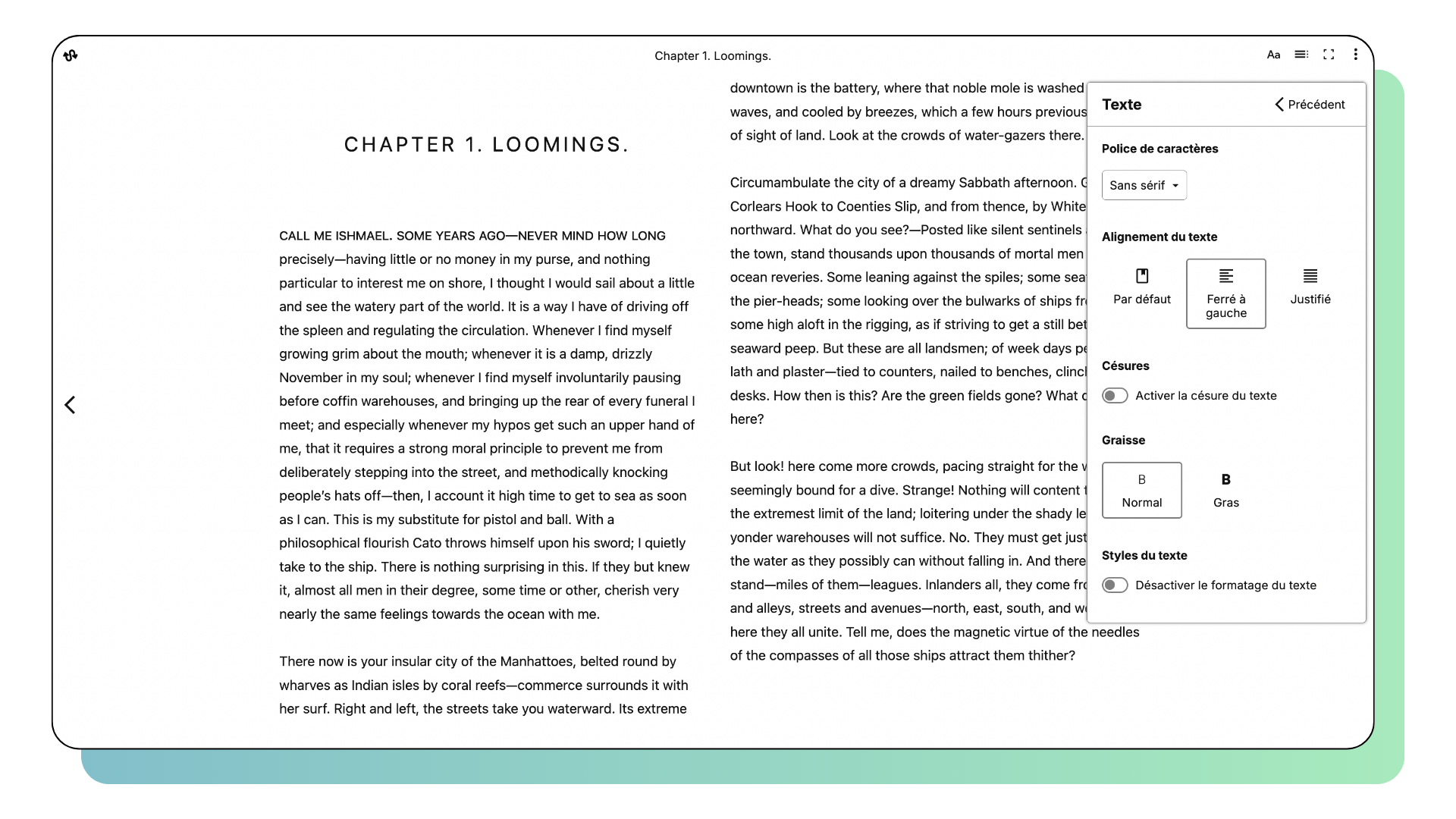
Under EAA, reading app developers have an obligation to provide these features. To allow users to create a reading experience that truly fits their needs, they must give them access to a number of options, including:
- Layout, which encompasses both the way that pages are defined in a given publication as well as the layout of lines and paragraphs on a page ;
- Spacing, which can be applied between lines, words or even letters, and ensures a smoother reader experience ;
- Colors and contrasts: which can make or break digital accessibility on any app or device, and needs to be customizable ;
- Variable fonts, which need to be easily changed over an entire publication for people who might need larger text or a sans-serif font to read.
Visual accessibility options and adjustments in Readium toolkits
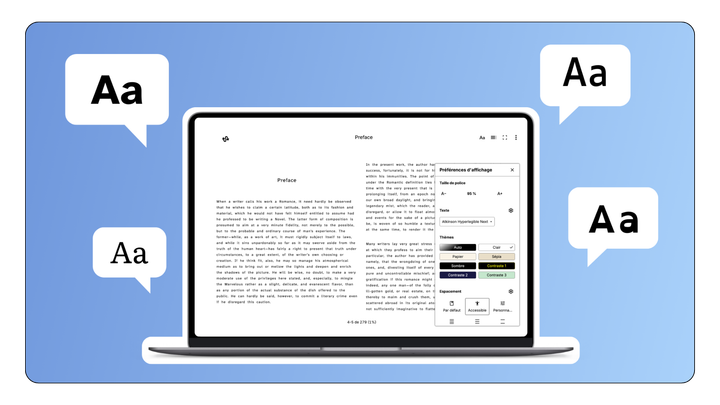
All Readium toolkits use a shared component called Readium CSS and an API called the Preference API to allow developers and end users to customize how publications are rendered on screen. Thanks to those components, end users have the possibility to customize content with precision.
We are constantly looking to improve how we approach visual accessibility in order to give end users more adaptive solutions. With its latest version, Readium CSS v2 brings a new take of font size, which allows users to increase the font size without losing the visual hierarchy of the layout.
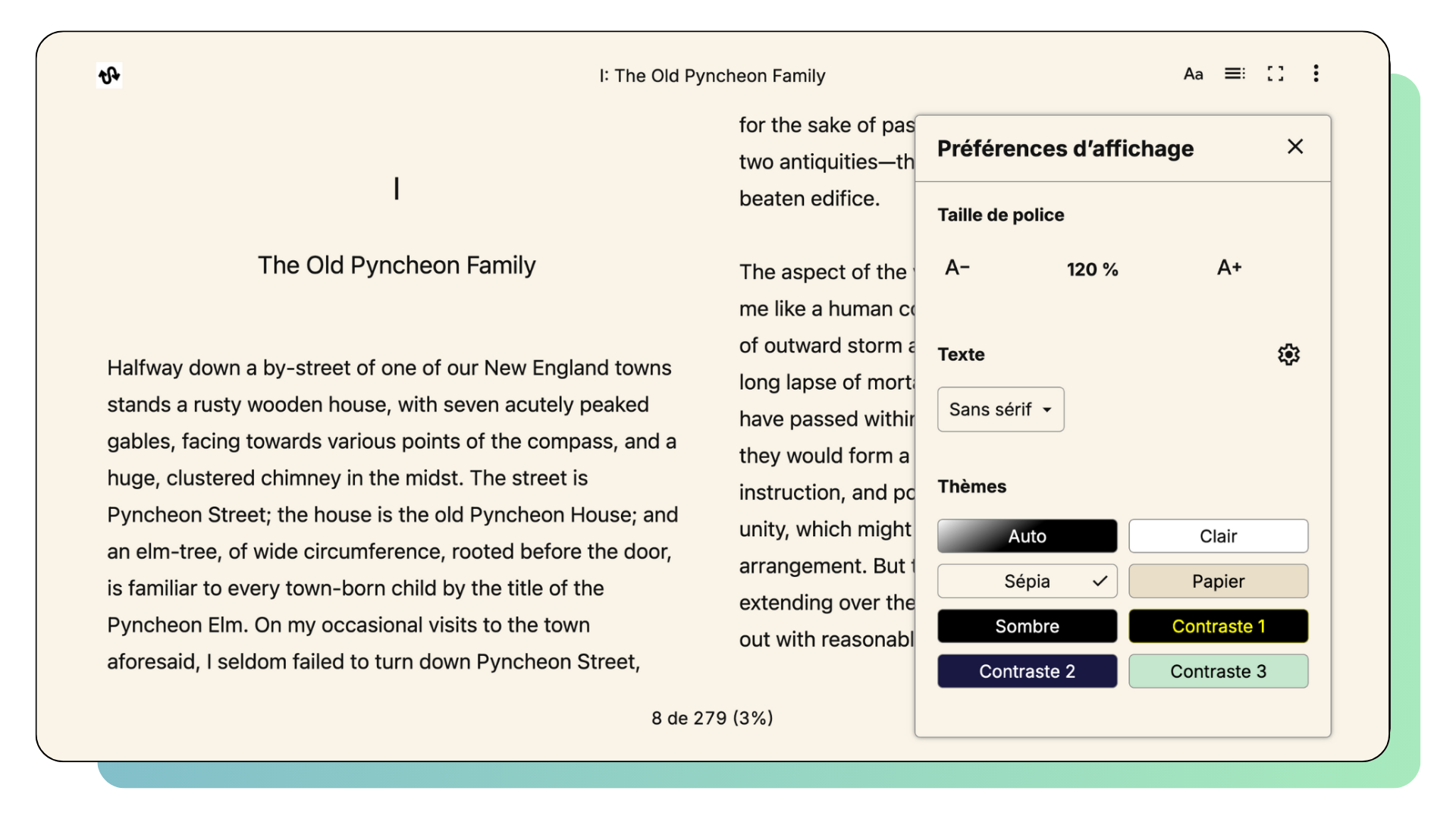
With Readium CSS v2, we also offer other new options for visual adjustments:
- To maximize readability, our new approach for pagination is now based on three variables, expressed in number of characters (minimum line length, optimal line length, maximum line length). With this approach, text flows dynamically across all form factors without affecting readability.
- Our full-suite of spacing options also allow developers and end users to tweak paragraph, line, word and letter spacing alongside text alignment and hyphenation.
- In addition to day and night, Readium provides high contrast and sepia options, and allows developers to add other themes.
- With the increased availability of variable fonts, we also provide the ability to customize font weight on supported fonts.
At their core, all of these features are meant to help ensure an accessible reading experience that caters to all visual disabilities. But their perks also go way beyond. Content customization improves the experience of every user, making it a necessary attribute to create a successful and welcoming reading app.
The Readium Playground, an insight into our visual accessibility options
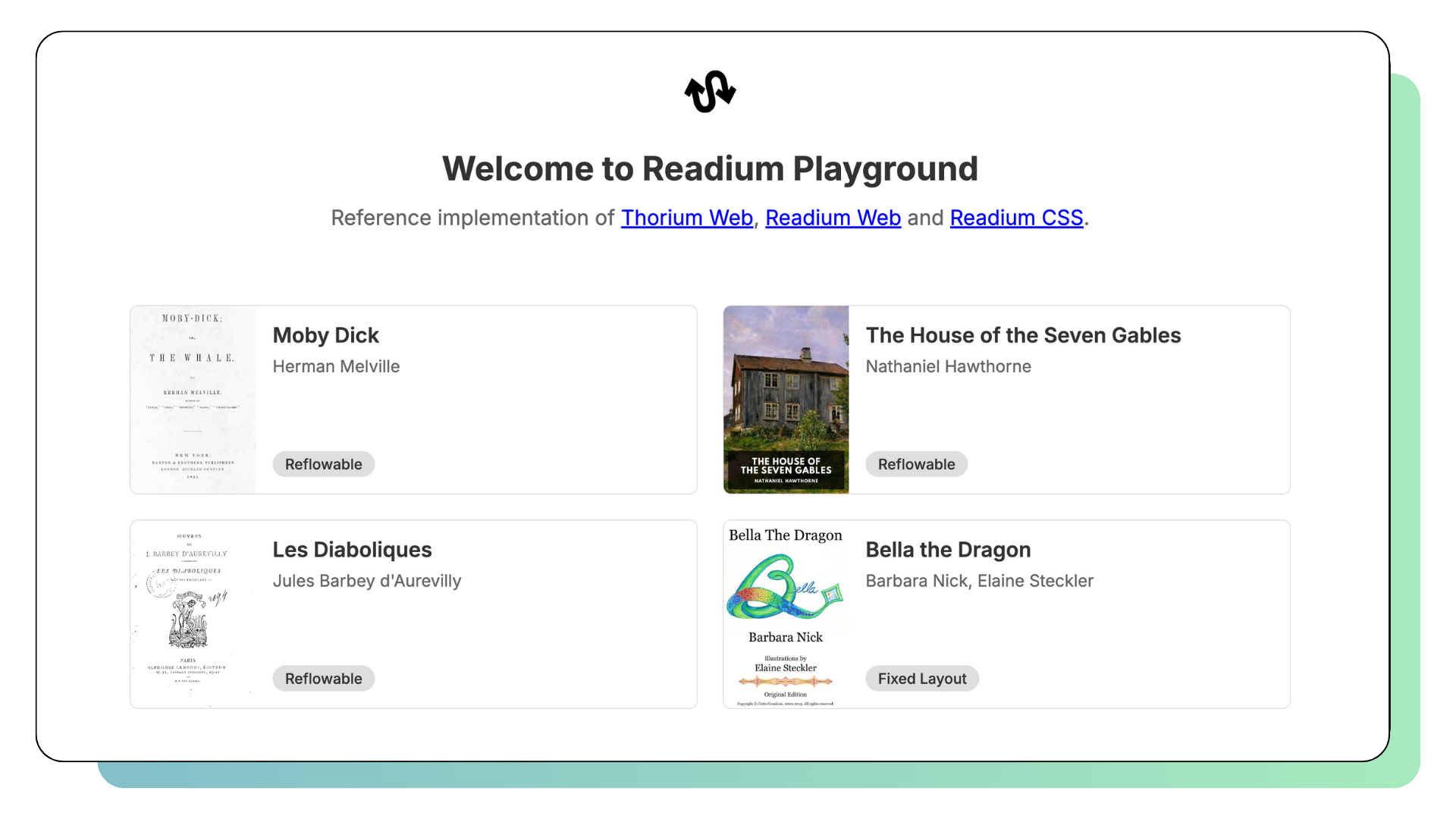
The Playground is our reference implementation for Thorium Web, Readium Web and Readium CSS. It is available to all online and helps developers understand the way those toolkits display digital publications to end users. As such, it is a useful tool to understand our visual adjustment options, but also to test our new features.